Paper that never runs out.
PaperPauper is a zoomable canvas for drawing, writing and planning. Sketch with a pen, paint with textured brushes, map ideas with shapes and mark up documents. Zoom out for the big picture, or in for one more thought.
Free while in beta. Runs in your browser, no account needed.
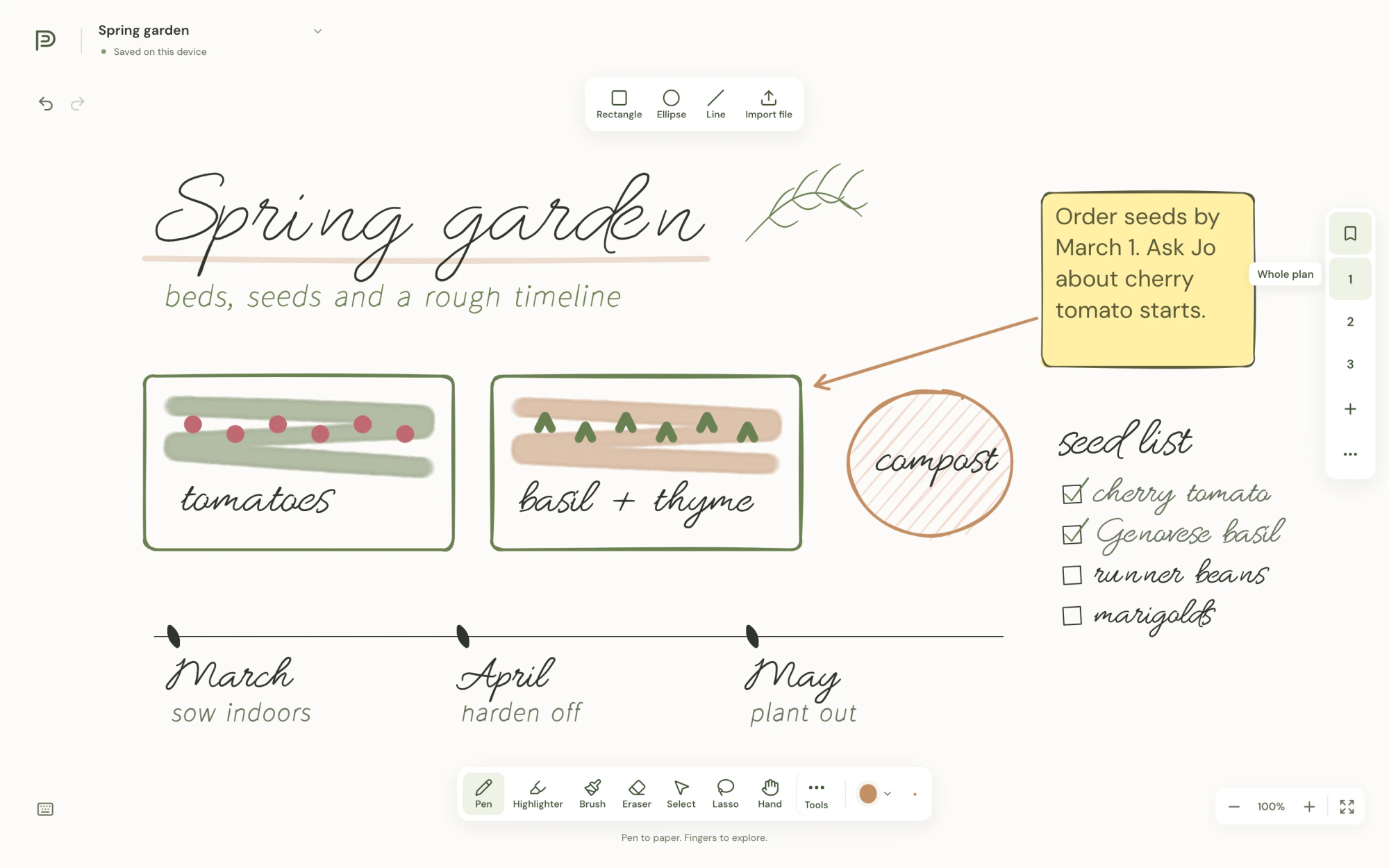
Pen first. Mouse welcome.
On an iPad, your Apple Pencil or stylus draws while your fingers pan and pinch to zoom. Turn on pressure-sensitive ink when your pen supports it. On a computer, draw with a mouse or drawing tablet, scroll to zoom and hold Space to pan.
Start on an infinite canvas or a fixed page in A4, US Letter or square, on plain, dotted or grid paper.
- Pen
- P
- Highlighter
- H
- Brush
- B
- Eraser, whole stroke or partial
- E
- Lasso
- Q
- Select, move and resize
- V
- Hand
- Space
- Undo
- ⌘ / Ctrl Z
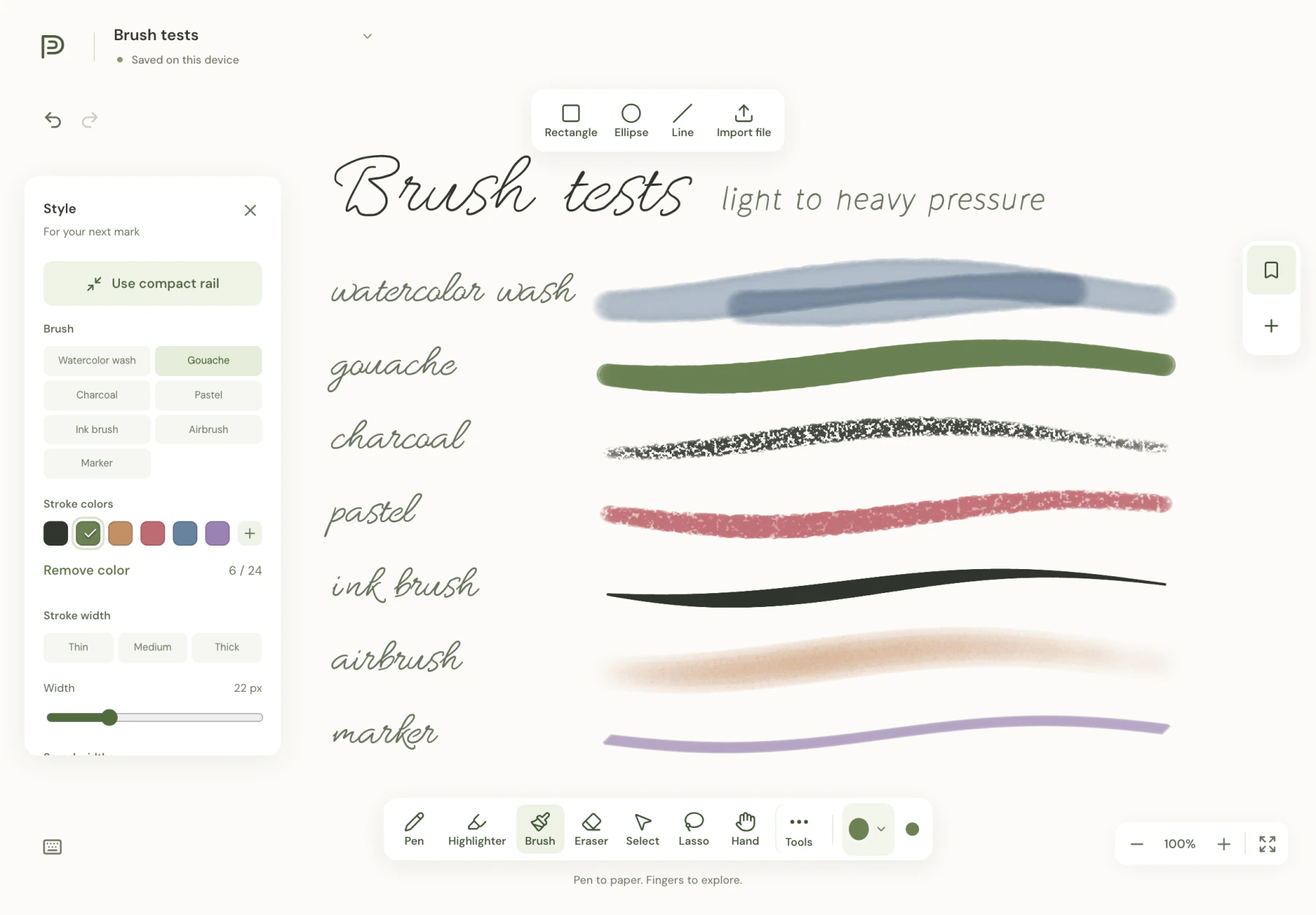
Seven brushes with real texture
Wash in color, then go back over it. With a pen, every brush responds to pressure.
- Watercolor wash
- Gouache
- Charcoal
- Pastel
- Ink brush
- Airbrush
- Marker
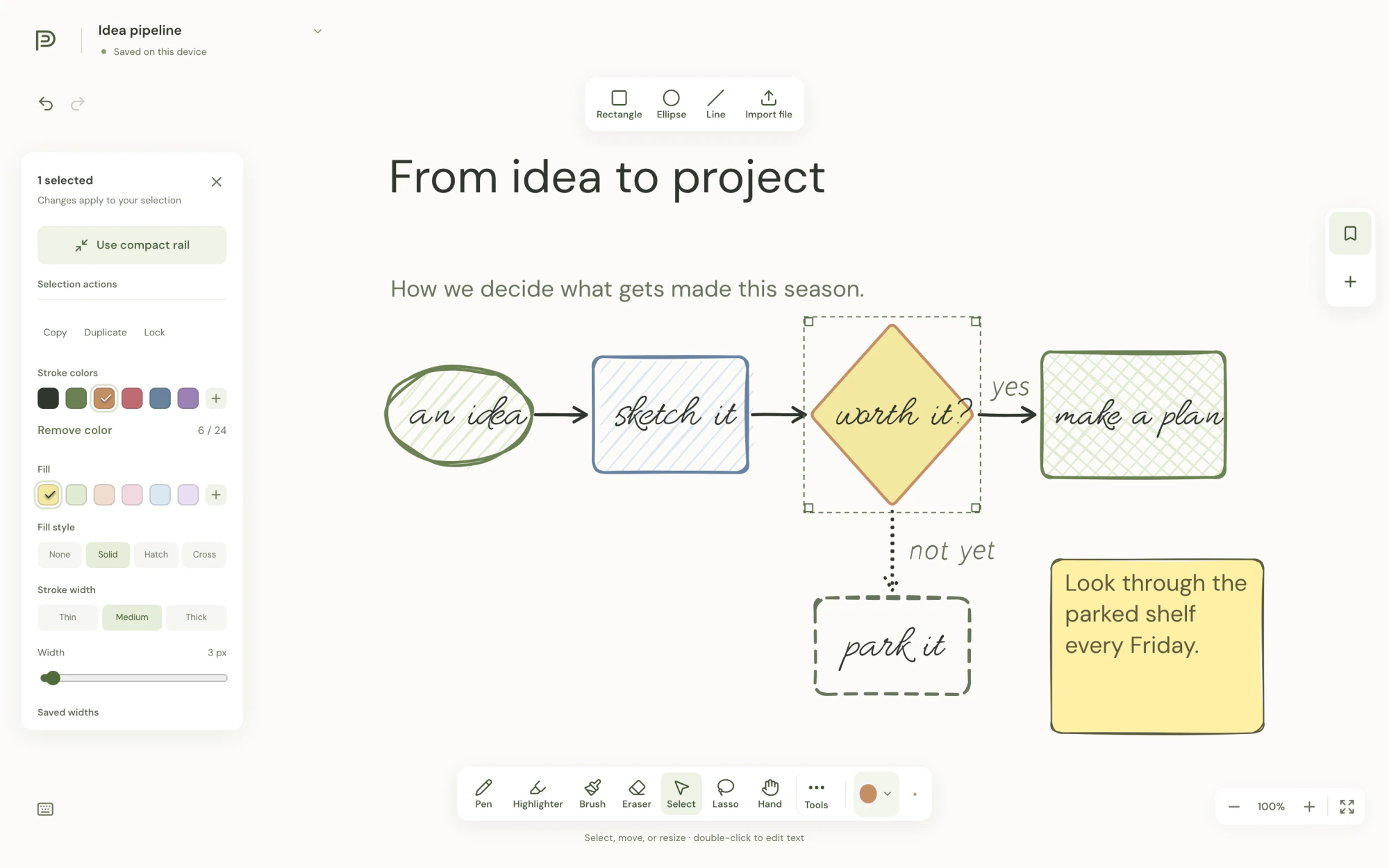
Shapes that still look drawn
Rectangles, ellipses, diamonds, lines and arrows, drawn clean, handmade or loose. Pick solid, dashed or dotted strokes, and solid, hatched or cross-hatched fills.
Add text boxes, sticky notes and pictures. Group, lock and layer what you’ve made. Hold Shift, or tap Equal sides, for perfect squares and circles.
Bring your reading
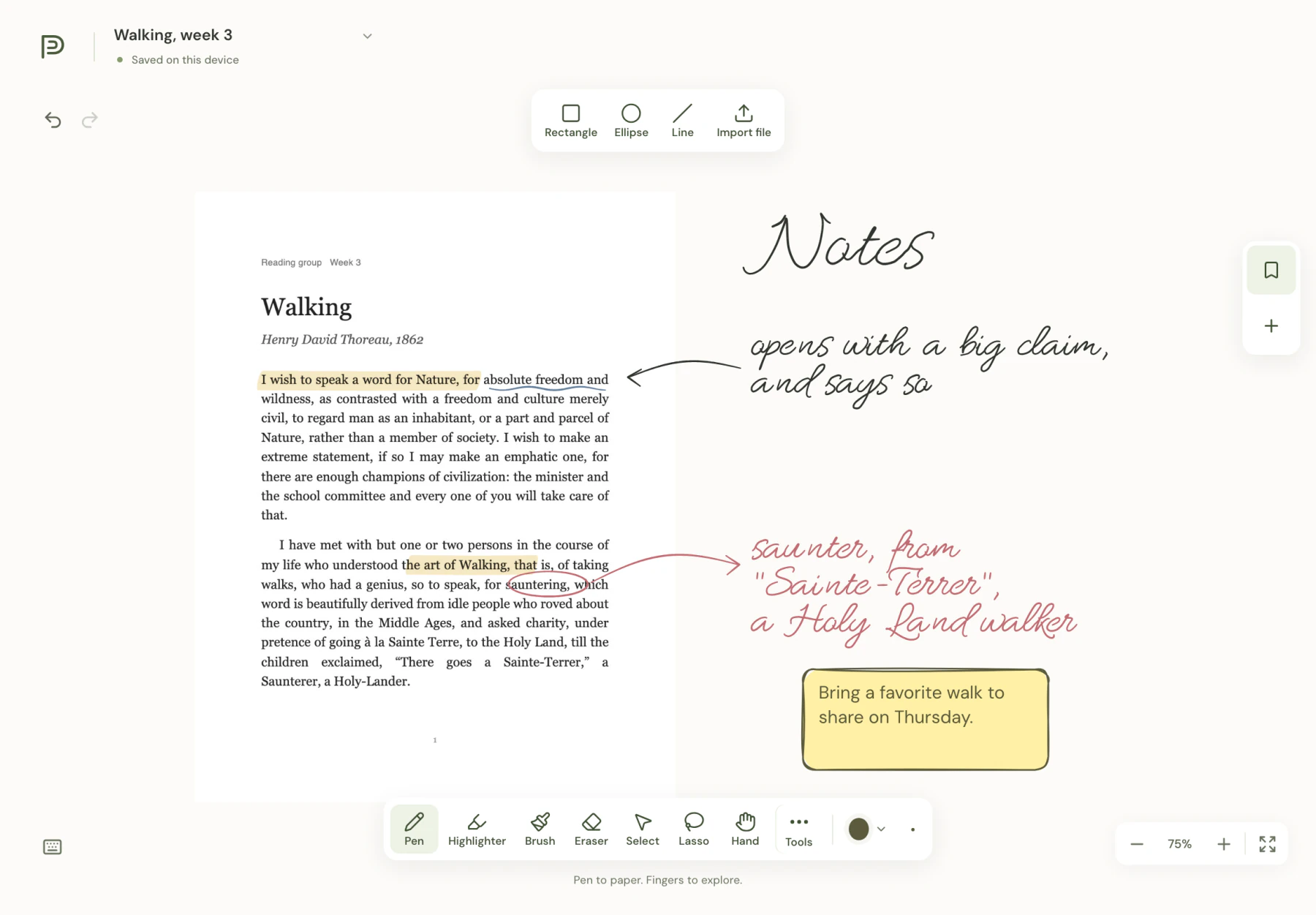
Import a PDF, a Word document (.docx) or a plain text file, and its pages land on your canvas, ready to highlight and write on. PDF pages keep their look. Word and text files flow onto fresh pages.
Add up to 24 PDF pages at a time, and drop in PNG, JPEG or WebP pictures too. One undo takes an import back out.
Draw together
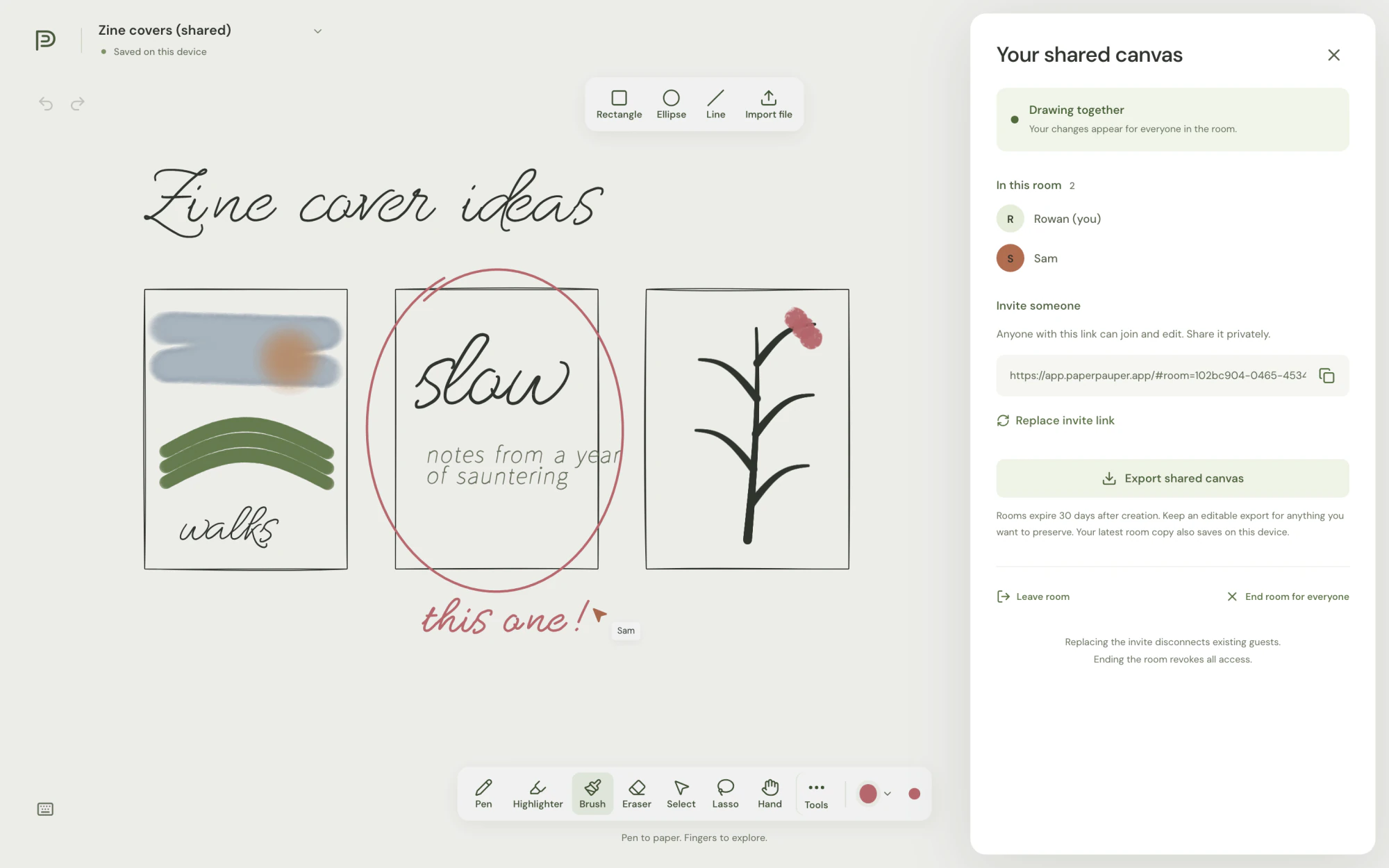
Start a room and send the invite link. Guests choose a name and join, with no account needed. You’ll see who’s in the room and where their cursor is as they draw.
- Up to 12 people in a room.
- Rooms last 30 days after they’re created. Export a copy to keep.
- Anyone with the link can edit, so share it with people you trust.
- The owner can replace the invite link or end the room at any time.
- Your original canvas stays in your collection.
Find your way back
Save any view as a named waypoint, then glide back to it from the rail on the right. Step through waypoints with the arrow keys to present your canvas.
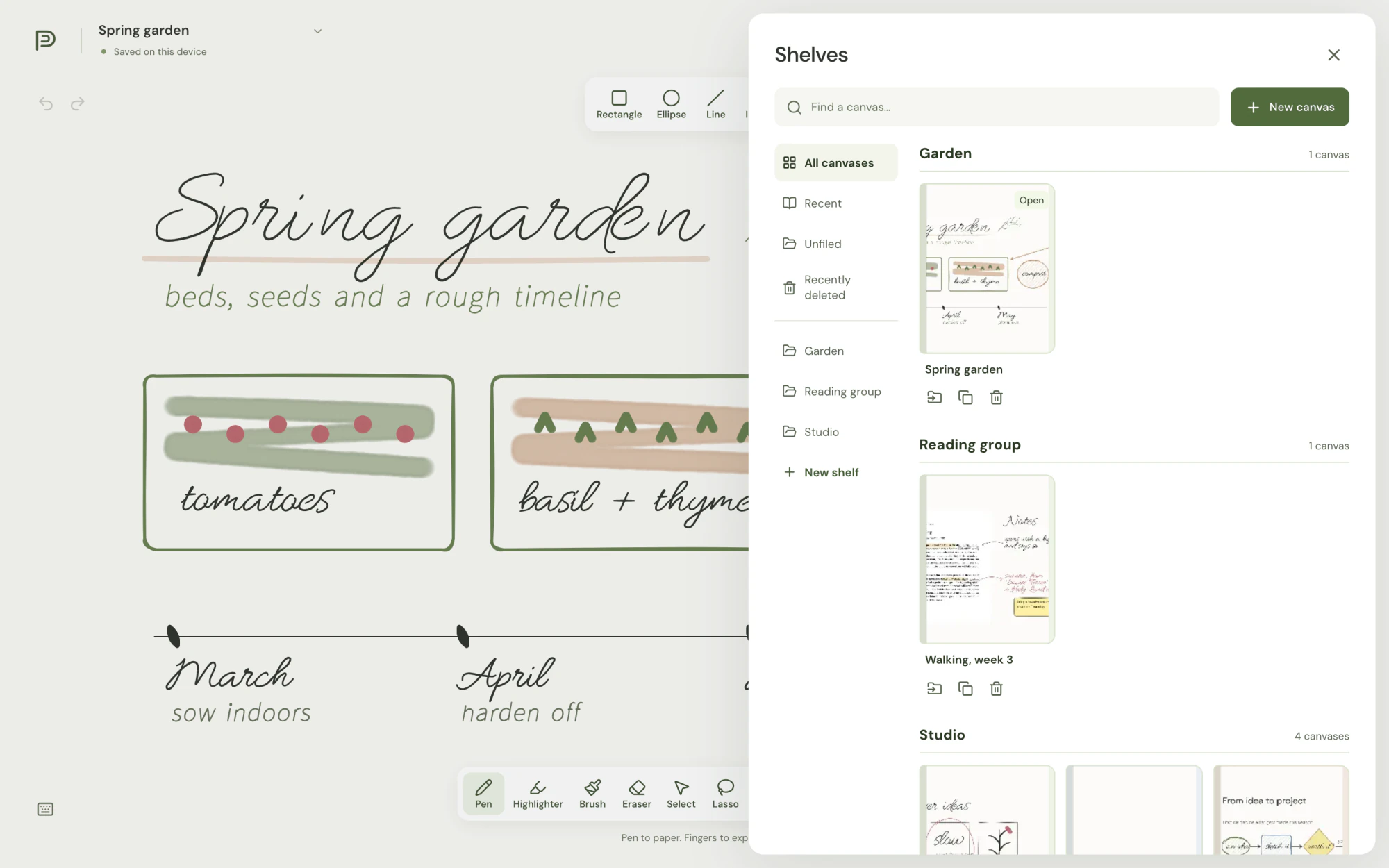
Keep canvases on shelves, search them, duplicate them, and bring things back from Recently deleted.
Watch it come together
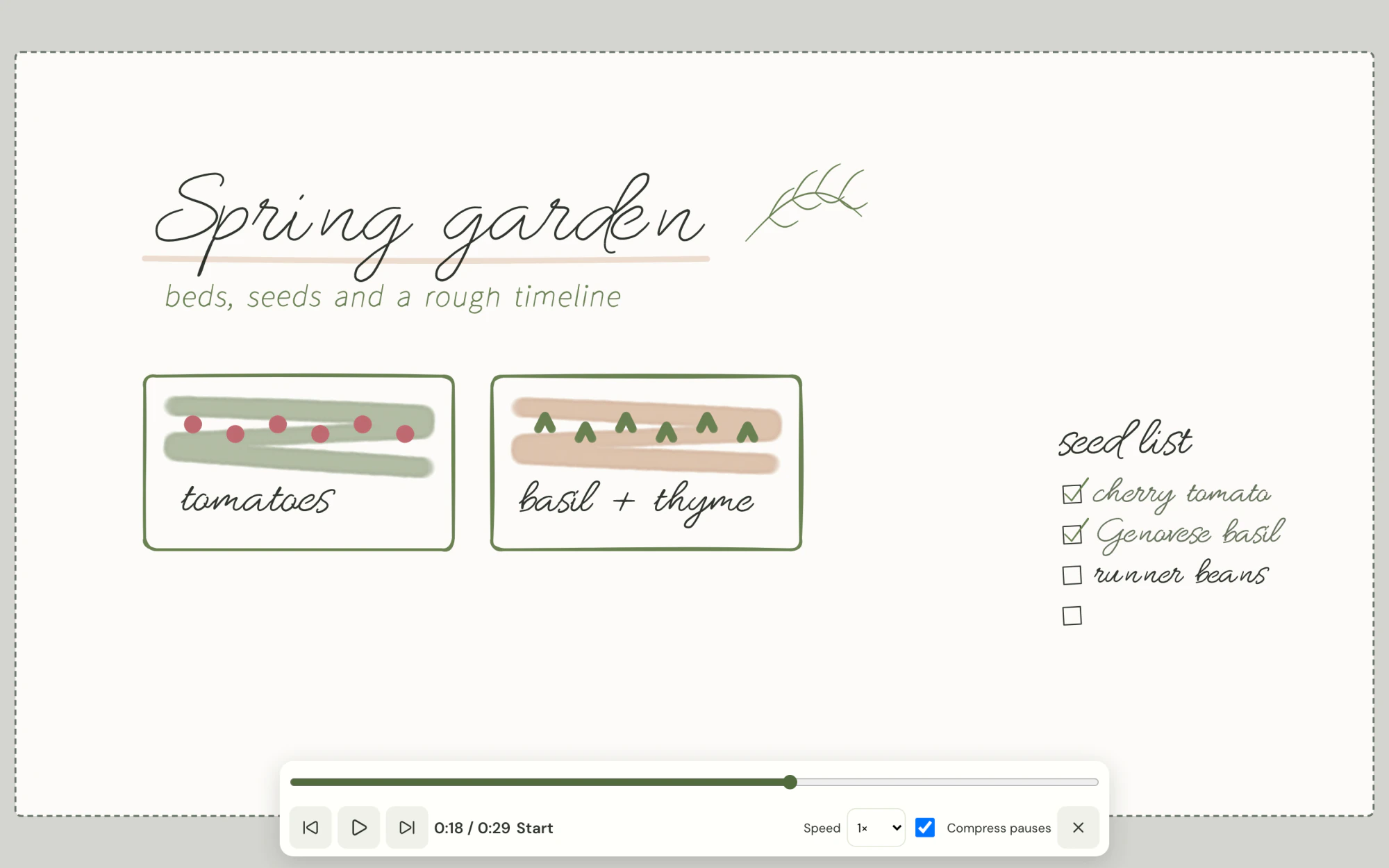
Record a take while you work. Replay it at your own pace, skip between sections, and squeeze out the pauses.
Export the replay as a video in a wide, vertical or square shape, at 720p, 1080p or 4K.
Your work, on your device
- Works offline
- Open PaperPauper online once and it keeps working without a connection.
- Install it
- Add it to your home screen from Safari’s Share menu, or use your browser’s install button.
- Saves as you go
- Canvases save in this browser on this device while you draw.
- Take it with you
- Export a canvas as an editable PaperPauper file, back up every canvas at once, or save the current view as a PNG.
What it will cost
Everything is free during the beta, and nobody is charged. Here’s what we’re planning after it.
Free, for good
$0
The whole canvas, with no account. Your work stays on your device, and you can export a copy whenever you want to file it away.
PaperPauper Planned
$5 a month or $40 a year
Adds an account, so your canvases are kept safely online and follow you between devices.
Why that price
Drawing on your own device costs us almost nothing to run, so that part stays free. Keeping your canvases online, with their history, and hosting live rooms costs us money every month for each person who uses them.
$5 a month covers that, with enough left over to keep improving PaperPauper. The yearly price saves you a third, and more of it reaches us instead of card fees.
Gift PaperPauper
When paid plans arrive, you’ll be able to buy a month or a year of PaperPauper for someone else. You’ll get a gift code to send or print, and they redeem it in the app. It never renews on its own, and they don’t need to give you anything but a thank-you.
Gifts open with paid plans. Until then, anyone can use PaperPauper for free.
What beta means
PaperPauper is free while it’s in beta. Things may change as it grows, including how some features look and work.
Your canvases live in your browser on this device, and browsers can clear their storage. Export anything important from Workspace, then Export and backup. Accounts and cloud saving aren’t available yet.